
Photo Mode, Drone Camera and Backdrops
Take photos, understand the host-controlled camera and unlock Photo Studio backgrounds through minigames you have played.
FAQ
How do camera buttons depend on the controller?
How does the drone camera help?
How do camera buttons depend on the controller?
For the horizontal Joy-Con layout, SL changes the camera and SR uses it. With two Joy-Cons or a Pro Controller, the corresponding documented actions are L and R. The photography section also describes switching camera modes, so read the current on-screen prompt after entering the camera rather than assuming every context shares one operation.
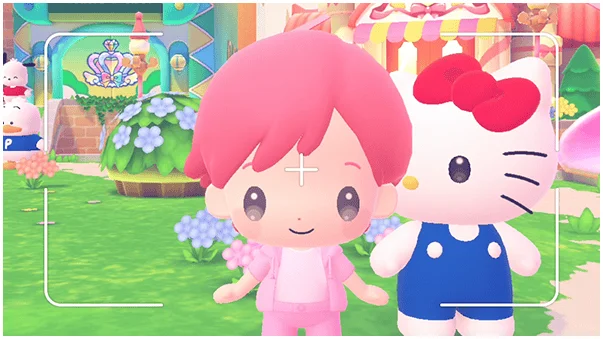
How does the drone camera help?
The manual describes selecting a focus target with the Left Button and changing drone movement modes with the Top Button in its horizontal layout. One mode orbits a target; another moves freely. Hide-and-seek assistance also uses the drone camera, making camera familiarity useful beyond taking a souvenir picture.
Where do pictures and new backdrops go?
Pictures are saved to the console’s storage. Photo Studio backgrounds can use minigames you have already played. If a backdrop is absent, compare it with the activities you have actually visited rather than assuming every background should be available from a fresh session. This guide does not claim an export or cloud-sharing feature the manual does not establish.
Related guides
Related Articles
activities
Board Games and Difficulty-Based Targets
Compare Blooming Flower Festival, Tropical Twilight and Sparkling Neon Night, including Medium-only delivery targets and how days end.
activities
Board Spaces and Route Planning
Recognize shop, challenge, item and map-specific spaces before risking your flowers, droplets or sparks on a detour.
activities
Melody Cake: How to Play Music and Use Catalogs
Create percussion and melody on cakes, connect matching patterns and organize music across four catalogs with sixteen cakes each.
Was this helpful?
Thanks for the feedback!