
Online Multiplayer and Room Passwords
Set up a friends-only online session, create or find a room, and check the four-digit password and Nintendo Switch Online requirement.
FAQ
What is required before creating an online room?
How do hosting and joining work?
What is required before creating an online room?
Check that the intended participants are registered Friends and can use Nintendo Switch Online. Start through Online rather than the local player-count option. The manual describes a two-to-four-person online session; its description does not establish public matchmaking with strangers or a separate free online mode.
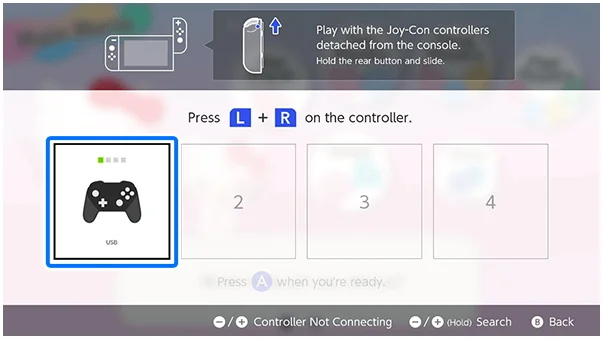
How do hosting and joining work?
The host chooses Create Room, sets the room options and waits for everyone to join. Other players choose Search for Room and select the correct room from the list. If a password is set, share its four digits with the invited players. The host starts the game after the group has arrived.
What should you check when a friend cannot join?
Check the Friends registration, membership, selected room and password before changing unrelated settings. The manual also advises avoiding wireless interference and disconnecting mid-game. These are a checklist, not proof of a particular server outage; this page does not invent an error-code fix that has not been documented.
Related guides
Related Articles
activities
Board Games and Difficulty-Based Targets
Compare Blooming Flower Festival, Tropical Twilight and Sparkling Neon Night, including Medium-only delivery targets and how days end.
activities
Board Spaces and Route Planning
Recognize shop, challenge, item and map-specific spaces before risking your flowers, droplets or sparks on a detour.
activities
Melody Cake: How to Play Music and Use Catalogs
Create percussion and melody on cakes, connect matching patterns and organize music across four catalogs with sixteen cakes each.
Was this helpful?
Thanks for the feedback!